
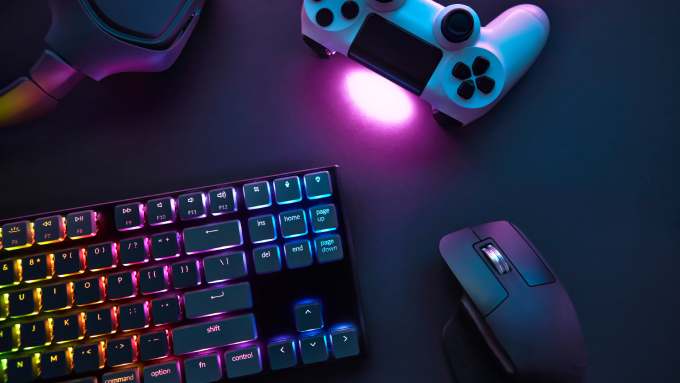
Moving is stressful enough, but for gamers, it hits differently. Whether you’re relocating your PlayStation, carefully packing up a custom PC, or transporting your limited-edition Tears of the Kingdom Switch, one wrong move could mean heartbreak and hard resets.
When collectibles are fragile, screens are expensive, and data is sacred, you need more than cardboard and bubble wrap. This is how to safely pack your gaming equipment—no respawns required.
Start With a Full Inventory
Before you touch a single power cable, take stock of what you’re packing. Grab a notepad or use your phone to list every console, accessory, and figure. Include things like wall mounts, charging docks, and game drives. If it’s part of your setup, it belongs on the list.
Photograph each item, especially anything limited edition. Write down serial numbers and model names. Depending on your setup, this could take around 20 minutes or more, but it’s worth it.
Power Down and Disconnect Everything
Once your list is ready, shut everything down completely. Wait at least 10 minutes after powering off your devices before unplugging anything. This gives components time to cool and protects sensitive hardware.
As you disconnect, label every cord with masking tape and a fine-tip marker. “HDMI-1” or “Switch power brick” is a lot more helpful than playing a guessing game later. Trust us—future you will appreciate this.
Use the Right Packing Materials
Consider this your ultimate guide to packing fragile items safely. Use anti-static bags for anything with internal components, wrap items in microfiber cloths, and add at least two inches of bubble wrap around heavier gear.
Place game consoles in padded boxes or double-box them to absorb bumps. While this level of care might feel excessive, if it protects your gear from a cracked screen or snapped joystick, it’s worth every minute of prep.
Secure Screens and Fragile Items
Monitors and consoles with screens need special treatment. First, wrap them in a lint-free cloth or microfiber towel. Then add padding, such as foam corners or thick bubble wrap. The two-layer method protects the surface and the structure.
Wrap figurines or collectibles individually and pack them snugly in separate compartments. If it has a base or removable piece, detach it and wrap each part separately to avoid stress cracks.
Double-Box When Necessary
When packing items worth over $200 in value—like a GPU, VR headset, or custom controller—double-box them. Use a smaller padded box inside a larger one filled with packing peanuts or crumpled paper. Extra buffers absorb shock during transit.
In colder climates, this also protects electronics from sudden temperature drops. For summer moves, mark boxes as “heat sensitive” to avoid damage from a sweltering backseat.
Think Like a Completionist
Before you tape up the final box, do one last sweep. Check shelves, behind furniture, and inside cabinets for stray USB drives, memory cards, or handhelds. Make sure every item has been packed, and nothing gets left behind.
Packing isn’t glamorous, but knowing how to safely pack your gaming equipment keeps your gear protected and your mind at ease. A little intention goes a long way.
Leave a Reply