
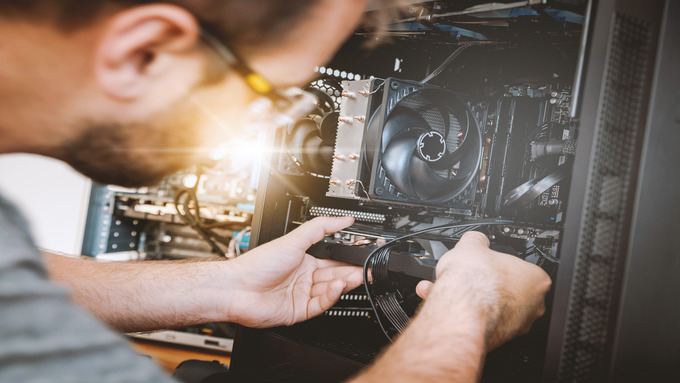
Upgrading a PC used to include swapping a graphics card and calling it a day. In 2025, gamers, streamers, and content creators face a whole new landscape filled with chip shortages, software demands, and confusing part specs.
Building for performance no longer means maxing everything out—it now means knowing how each part supports your goals, whether you’re editing 4K cosplay videos or grinding your umpteenth Elden Ring playthrough. Before you reach for your wallet, learn how to approach an upgrade like a pro.
Know Your Current Setup
Start by diagnosing your machine with Speccy or Task Manager to expose hidden slowdowns. Look for signs of strain, such as unusually long load times, maxed-out RAM, or GPU spikes during simple tasks.
Many people skip this step and waste money replacing parts that don’t fix performance issues. Understanding the ins-and-outs of your computer is an important part of what to know before upgrading your PC.
How To Save When Sourcing Parts
Retail prices will fluctuate wildly in 2025, especially after NVIDIA or AMD launches. Deals on refurbished laptops, desktop parts, or full rigs can help you save hundreds while offering next-gen support. Big names like Dell and Lenovo sell certified pre-owned gear with warranties and solid build quality.
Unfortunately, common myths about refurbished electronics make them sound like junkyard finds, but a reputable refurbisher can give you new components without the markup. Something to know before upgrading your PC is not to overlook pre-owned builds with upgradable potential. Flexible platforms mean you can upgrade piece by piece without paying premium prices.
When a New Build Beats an Upgrade
Some systems hit a wall. Legacy motherboards can’t support new GPUs, power supplies lack juice, and small cases choke airflow on modern builds. Rather than Frankenstein-ing an aging system, you might find more value in a new build designed for current-gen tech.
Certain upgrades hit the same price range as an entire mid-tier tower. Instead of spending hours finding workarounds, build from scratch with future-ready specs. Even entry-level custom builds run circles around old rigs pushing their limits.
Watch for Compatibility Traps
Mixing parts from different eras invites chaos. New GPUs demand updated BIOS versions and faster RAM with higher voltage thresholds. CPU and motherboard pairs often fail when socket types clash or chipsets lack support.
PCPartPicker helps you build smartly with alerts and power draw estimates that match real-world setups. Gamers sometimes forget that flashy RGB setups mean nothing when fans don’t spin or systems won’t boot. Forums and video breakdowns can save you from getting overwhelmed by all the options.
Plan for the Software Side
Hardware only wins when software plays along. Upgrade your BIOS before installing a new CPU or risk a black screen. Always back up save files, mods, and project folders so nothing gets lost in the transition.
Reinstall core tools, re-authenticate licenses, and tweak driver settings for performance boosts. Operating Windows 11 requires TPM and Secure Boot toggles to activate new features. Take the time to work on the software just as you do for the hardware.
Upgrading a PC isn’t sorcery! You just need knowledge, patience, and an eye for long-term value. Pick parts that work together, not ones that look impressive. Your setup will become the centerpiece of every game night, movie marathon, and fan edit you create.
Leave a Reply